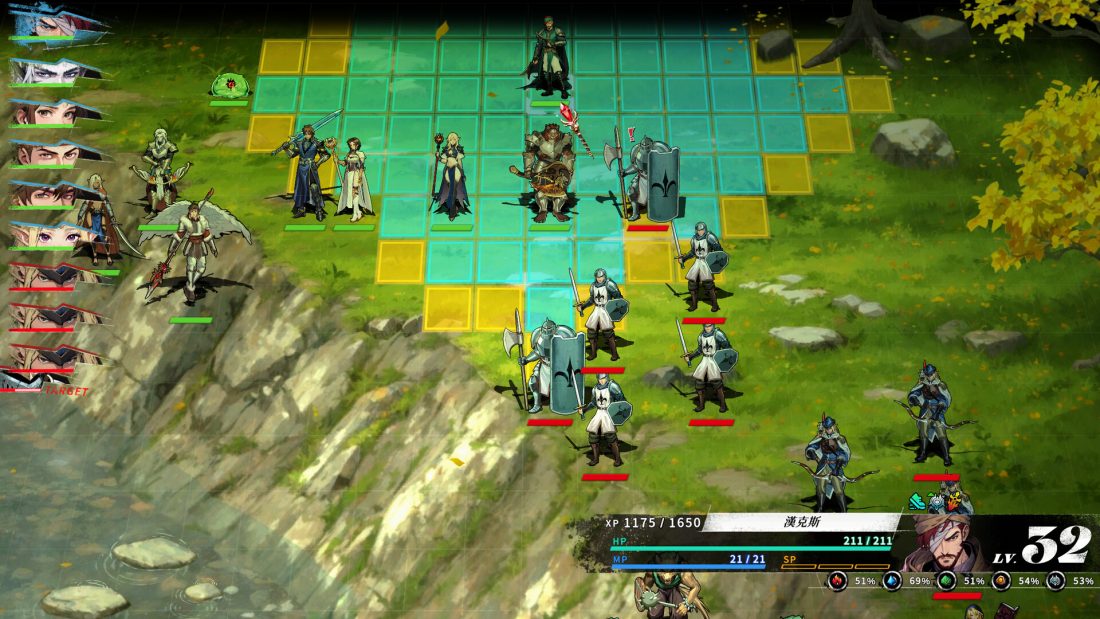
Enter -godset in the game’s Steam Launch Options, restart the Remake, and look for GodMod: On at the bottom-right of the title screen. Once that indicator appears, F5 through F8 become cheat keys for recovery, weakening a unit, experience, and money. This is a launch parameter followed by keyboard shortcuts, not a tilde console.
Turn on God mode through Steam
- Open your Steam Library.
- Right-click The Legend of Fancy Realm Remake and choose Properties.
- Stay on General and find Launch Options.
- Enter
-godsetexactly, including the hyphen. - Close the Properties window and launch the game again.
- Choose the Remake from the title menu. Before starting or loading a game, check the lower-right corner for
GodMod: On.
You do not need to edit the executable or add quotation marks around the parameter. Steam stores the argument in the Launch Options box and passes it to the game on the next start. If the game was already running when you entered it, quit fully and relaunch it.
The on-screen indicator matters more than the text left in Steam. If GodMod: On is missing, the cheat keys are not ready yet. That quick check prevents you from loading a long battle and discovering that F5 does nothing.
What F5, F6, F7, and F8 do
| Key | Effect listed for the Remake | When to use it |
|---|---|---|
| F5 | Refills HP, MP, and ST | Keep one of your units’ status displays visible so you can confirm all three bars changed. |
| F6 | Changes HP to 1 and MP and ST to 0 | Use it only while checking the intended unit. The guide specifically connects it with viewing an enemy’s status from Move. |
| F7 | The first press supplies enough experience for a level; later presses add 100 EXP each | Keep the intended character’s information visible and watch the experience value after every press. |
| F8 | Adds 10,000 coins per press | Press once, check the money total, and repeat only if you want another 10,000. |
F6 deserves extra care. The current guide tells players to use it while checking an enemy through the Move command, but it does not spell out the targeting rules in a separate instruction. Display the enemy you mean to alter and verify that its HP, MP, and ST changed before ending the turn. Do not press F6 while one of your own characters is the only unit whose status is open.
F7 also has two different results. Its first use is tied to the next level, while later presses add a fixed 100 EXP. Stop after each press long enough to read the character panel. Rapidly tapping the key makes it easy to overshoot the level you meant to test.
Keep a clean save before changing EXP or coins
Make a separate manual save before turning a normal campaign into a cheat run. The Steam feature list says the game supports saving at any time, so you can preserve an untouched branch and experiment on another slot. Use names or timestamps that make the two saves easy to tell apart.
Starting a new game with the parameter is recognized by the game. The Steam guide shows an achievement named This Game Has 30 Lives Too with the description “Start a new game using a cheat code.” That confirms the cheat-start condition is tracked. It does not prove that other achievements are disabled, so do not assume either outcome if achievements matter to you.
HP, MP, and ST can be checked immediately in battle. EXP and coins may persist beyond the current turn or screen, so use the separate save before testing them. Afterward, clear the Launch Options box and restart the game if you want the title screen to return to its normal state.
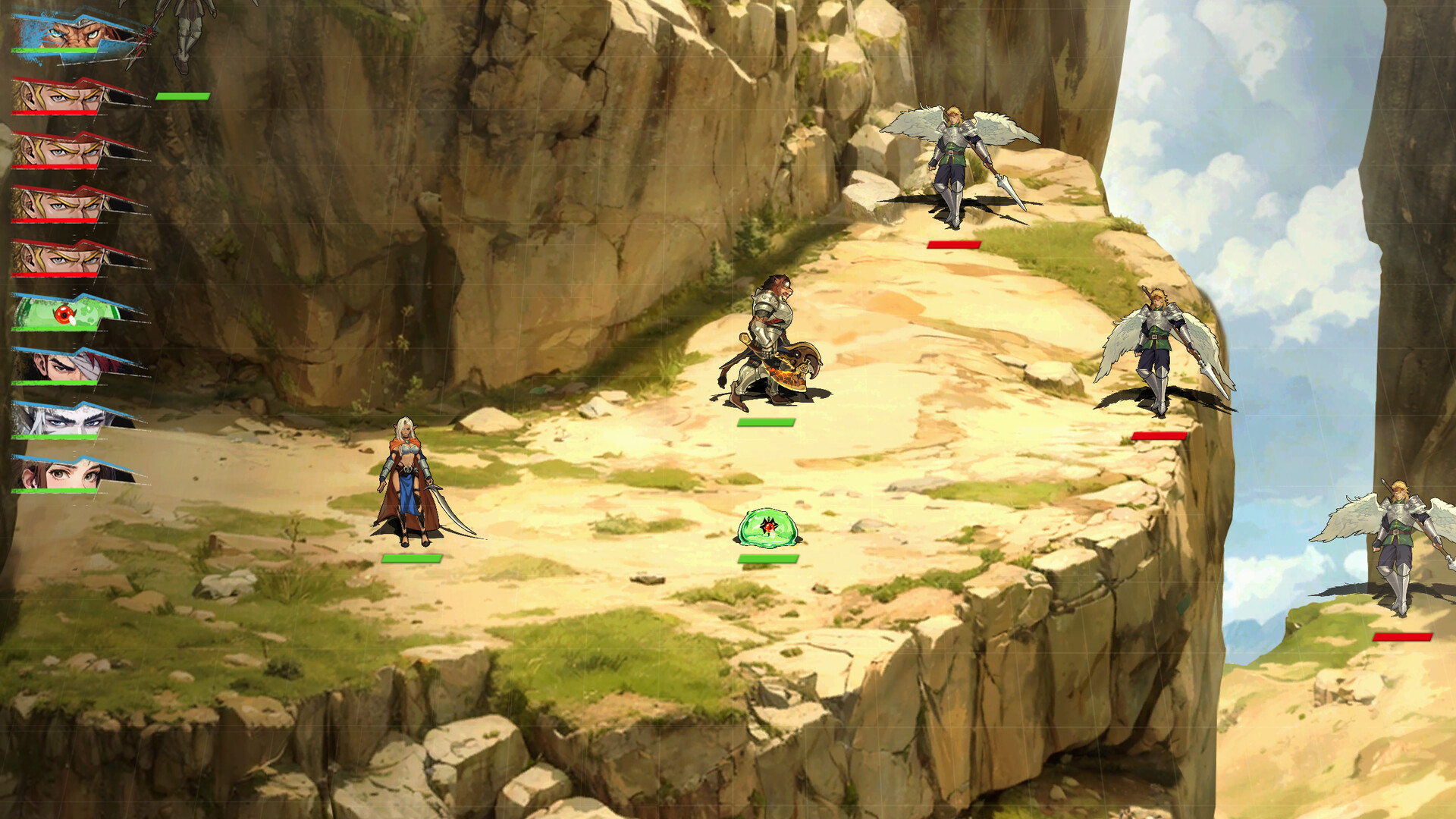
Do not use the wrong shortcut for the job
-godset does not open a command line. The current Remake instructions do not show a console where you can type commands such as godmode, add_gold, or an item-spawn instruction. The setup shown in the Steam guide uses the launch parameter and function keys.
It also does not provide a documented “unlock every character” key. The F5-F8 list covers battle resources, EXP, and coins only. Recruitment is outside those four shortcuts, and the supplied character page does not cite real in-game names or reproducible recruitment steps. Avoid building a route around its chapter cutoffs.
The page advertised as a full item-ID guide contains no usable Remake item IDs. Its own text switches to generic memory-scanning advice instead of listing commands or verified values. Likewise, the supplied Cheat Engine article says that no confirmed table was available when it was written, then predicts features a future table might contain. Neither page gives you something that can be checked against the launch build.
The game does have official MOD support, but that is a different system. USERJOY’s guide covers replacements for appearances, fonts, music, voices, language text, and equipment data through the built-in MOD editor and Steam Workshop. A Workshop MOD is not proof that an unverified .CT file or trainer works safely with the current executable.
Use Rewind or difficulty settings for a single bad turn
If you only want to recover from a positioning mistake, try the Remake’s built-in tools before changing a save. USERJOY describes Rewind as a way to return to an earlier turn and redeploy. Steam also lists Adjustable Difficulty among the game’s features.
Those options solve a different problem from F7 or F8. Rewind lets you replay the decision that went wrong. Lowering the difficulty changes the challenge without adding levels or money. Both are easier to reverse than an EXP or coin change, especially when you want to keep the rest of the campaign close to a normal run.
If the cheat keys are not working
- No
GodMod: Onlabel: reopen Properties, check that the entry is exactly-godset, then close and restart the game. - The label is present but F5-F8 do nothing: enter a tactical battle and open a unit’s status display. The current instructions label these as battlefield commands.
- Your laptop changes brightness or volume: use its Fn modifier or switch the function row to standard F-key behavior, then test one key again.
- You are playing only with a controller: the current guide lists keyboard function keys and provides no controller equivalents. Connect or expose a keyboard rather than guessing a button combination.
- You expected an item or character menu: no such command is documented for the four listed keys.
- You want to turn the mode off: remove
-godsetfrom Steam Launch Options and relaunch. Confirm the title-screen label is gone before loading the clean save.
The fastest reliable check is short: add -godset, restart, confirm GodMod: On, and test a single F-key while the intended unit or value is visible. Keep the normal save separate until you know exactly what changed.
Sources and version note
This guide was checked on September 10, 2026. Game identity, release metadata, save and difficulty features come from the official Steam page and USERJOY’s release feature overview. The launch parameter, title-screen indicator, function keys, and achievement screenshot come from the launch-day Steam Community God mode guide. Recheck that guide after a game update because the developer has not published the same F-key list on the store page.