
Start Maid Cafe Simulator by learning the register, then hire Omu and put her on duty at the Attendance Board. Buy a Shaker and lemons for your first Lemon Juice, and use the kitchen whiteboard to assign her work. When Mina joins, split kitchen and table service between them while you handle any uncovered jobs.
This guide follows the opening cafe in Maid Cafe Simulator through Cafe Level 10, the demo’s level cap. It covers Omu and Mina, the first preparation stations, and the problems that interrupt service. If you continue into the full game, you can load a compatible demo save instead of repeating these shifts.
Your first customer and the register
Follow the opening story prompts until the cafe introduces its first order. The starter service uses a canned drink, so you can learn the table and register interactions before buying cooking equipment. Read the customer’s order bubble, take the requested drink, and place it at their table. Once they are ready to pay, return to the register.
Scan the barcode on the receipt at the counter. The register displays the Total Price. Receive the customer’s cash so that Amount Received is filled in, then select the notes and coins needed for the change and confirm with the green button. Recheck the displayed amount before paying it out. You cannot infer what the customer owes from the drink you remember serving; scanning the receipt is the step that gives the register its total.
After closing, the Daily Report shows the results of that shift. Continue the opening story and Omu’s interview rather than buying a large menu immediately. Getting your first maid hired lets you complete the staffing and drink demonstrations that introduce the next part of the cafe.
From a recipe to your first Lemon Juice
Open the recipe book and inspect Lemon Juice. Its card identifies Lemon as the ingredient and a Tier 1 Shaker as the required furniture. A recipe, its preparation station, and its ingredients must all be present before you can make it. Once you obtain a recipe, you can use it without guessing ingredient combinations.
Use the phone’s Costgo shop to buy the Shaker from Furniture and lemons from Groceries. These are separate purchases. A new recipe on its own does not stock a station, and a Blender does not replace the Shaker named on this card. Other cards give their own ingredient and station requirements, so repeat this check when you add a drink.
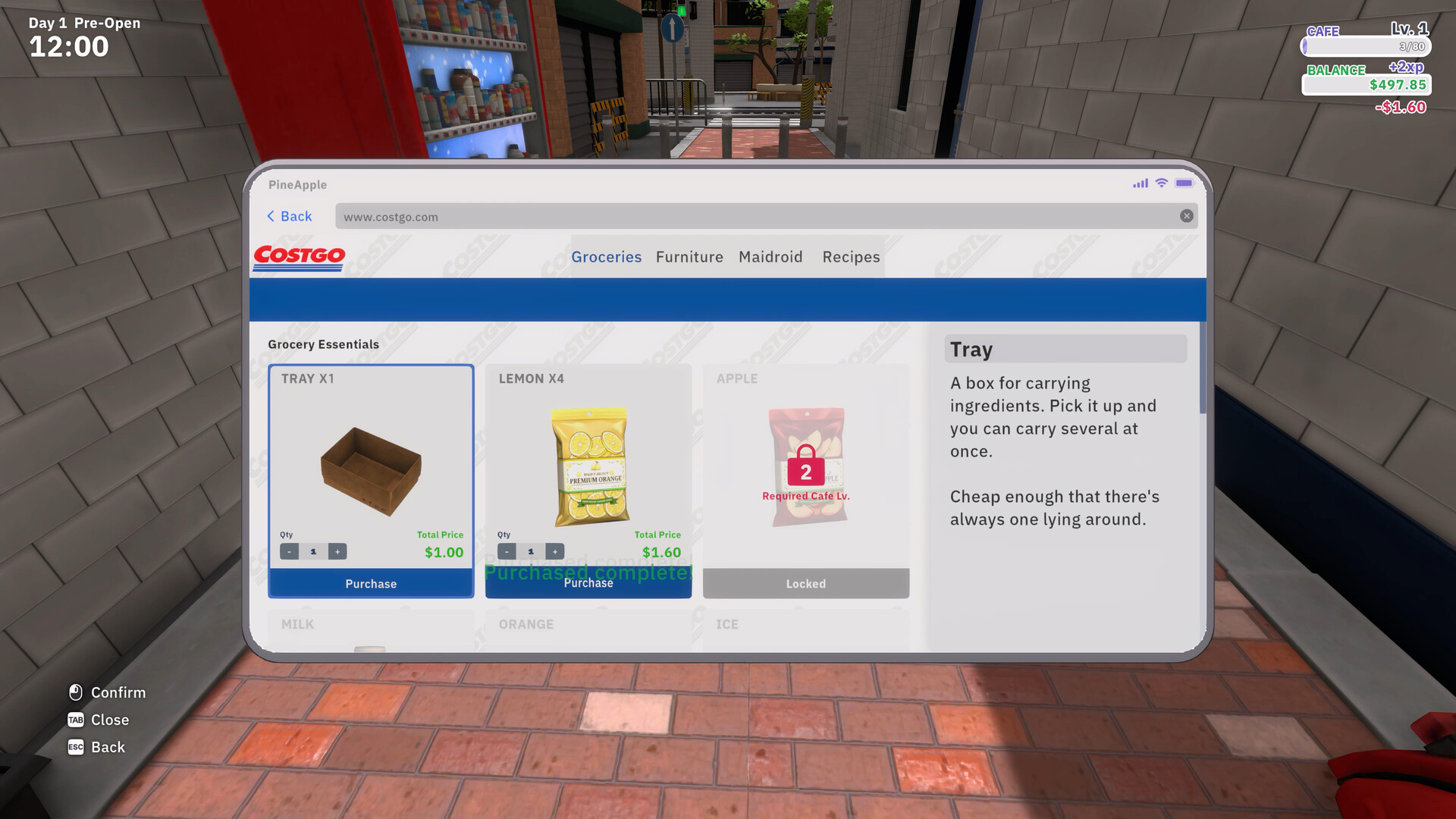
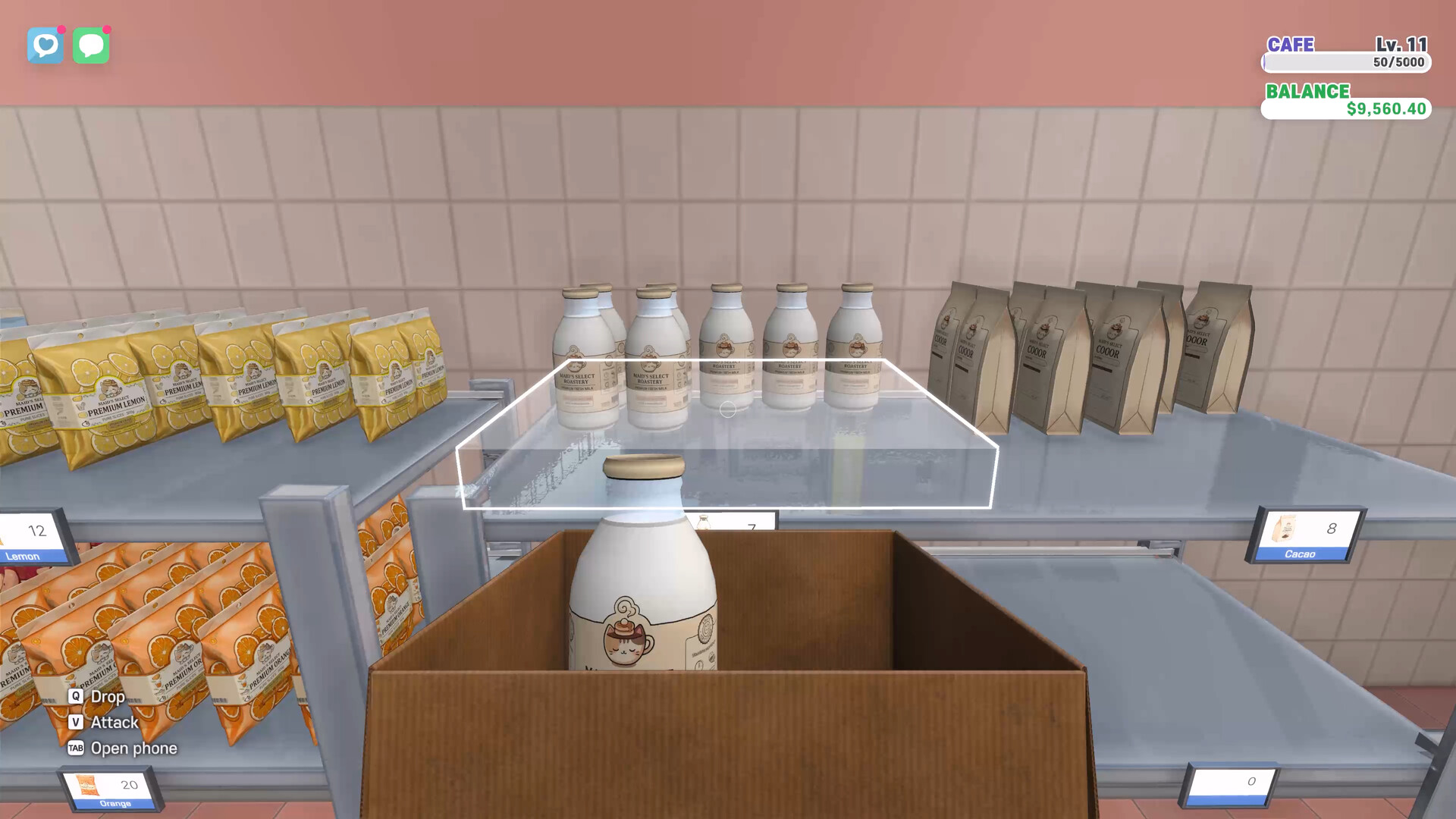
Collect the delivered boxes at the cafe entrance. Unpack the furniture and place the Shaker in the kitchen, then carry the lemon package to its ingredient tray. Aim at the tray until the Put Item prompt appears and deposit the package. Buying an ingredient on the phone and leaving it in a delivery box will not feed the station.
- Interact with the Shaker and open its recipe selection.
- Select Lemon Juice, set a small quantity, and choose Register Recipe.
- Start Cook, then click the mouse repeatedly to shake the Shaker.
- Watch the preparation gauge until it reaches READY.
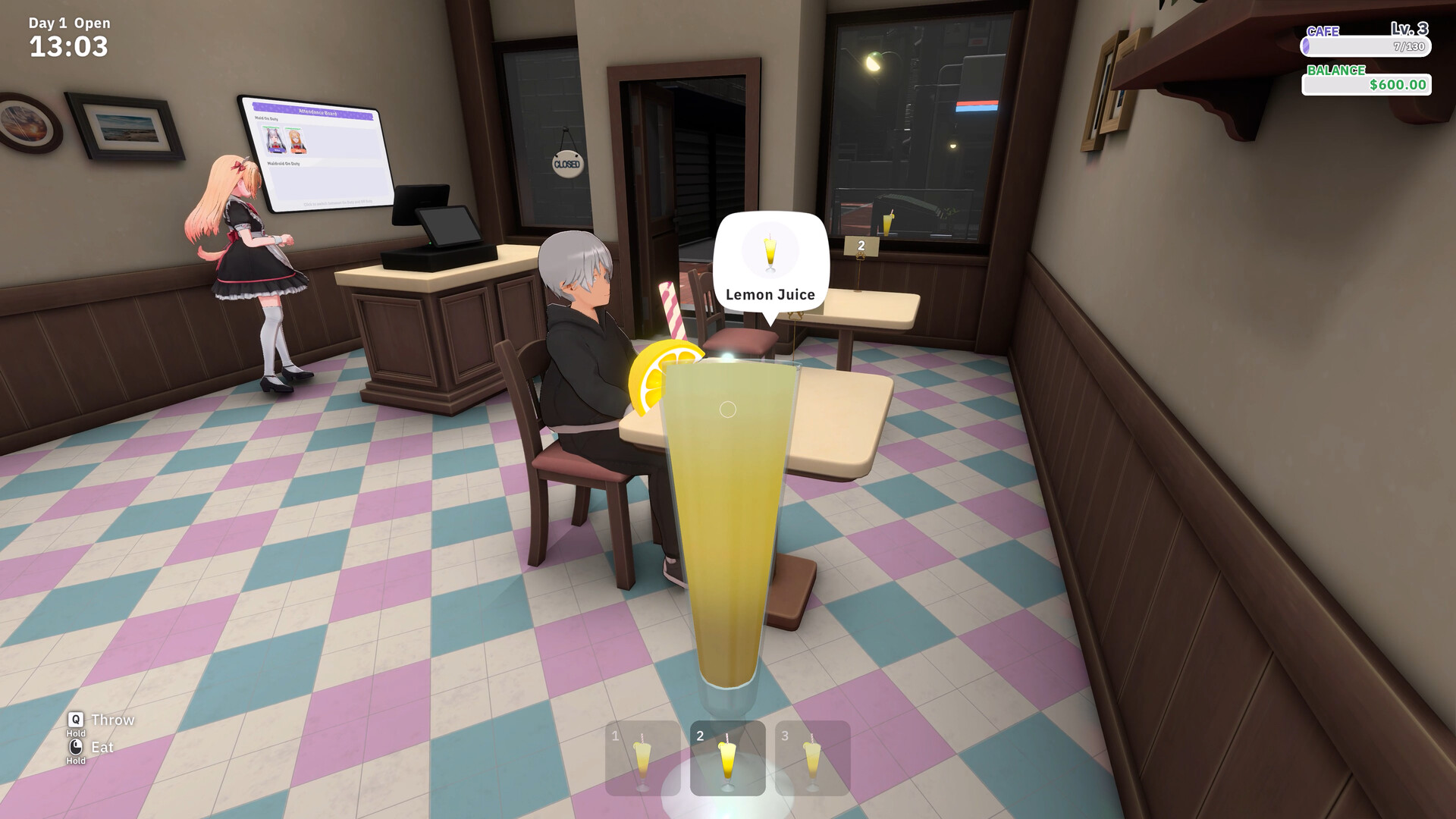
- Take the finished drink from a pink output pad and deliver it to a customer who ordered Lemon Juice.
When Omu asks you to demonstrate Lemon Juice, make a batch yourself. Put the lemon package on the input tray, register the recipe, and complete the Shake interaction. If nothing starts, return to the tray and recipe selection before trying the minigame again. Collecting the finished cup also shows you what a maid will need you to clear during a busy shift.
Omu and Mina need two different boards
After hiring Omu, find the Attendance Board beside the cafe entrance. Toggle her photograph to On Duty. The board determines who is working that day, and the selected attendance carries into the next day. When Mina joins through the opening story, put her on duty as well. Hiring someone does not complete this assignment for you.
The back-room whiteboard, Today’s Duty Roster, determines what those working maids do. It has separate rows for your staff and columns including Cashier, Order, Serve, Cook, Clean, and Transport. If a maid is present but not handling a job, inspect her row here as well as her photograph on the Attendance Board.
Click a job box to cycle between a blank box, a check, and a double check. A checked job is assigned; a double check makes it that maid’s priority. Each maid can have one priority. Early maids also have a limited number of Job Slots, so you cannot simply check every column and expect every task to be covered.
With both maids on duty, try giving one Order and Serve and assigning the other Cook, plus a supporting job that fits her available slots. Keep Cashier yourself while you are learning receipts and change. If finished drinks are waiting while customers remain unserved, prioritize Serve for the maid working the floor. If customers are waiting to order, make Order her priority instead. You can change these assignments on the whiteboard as queues build up.
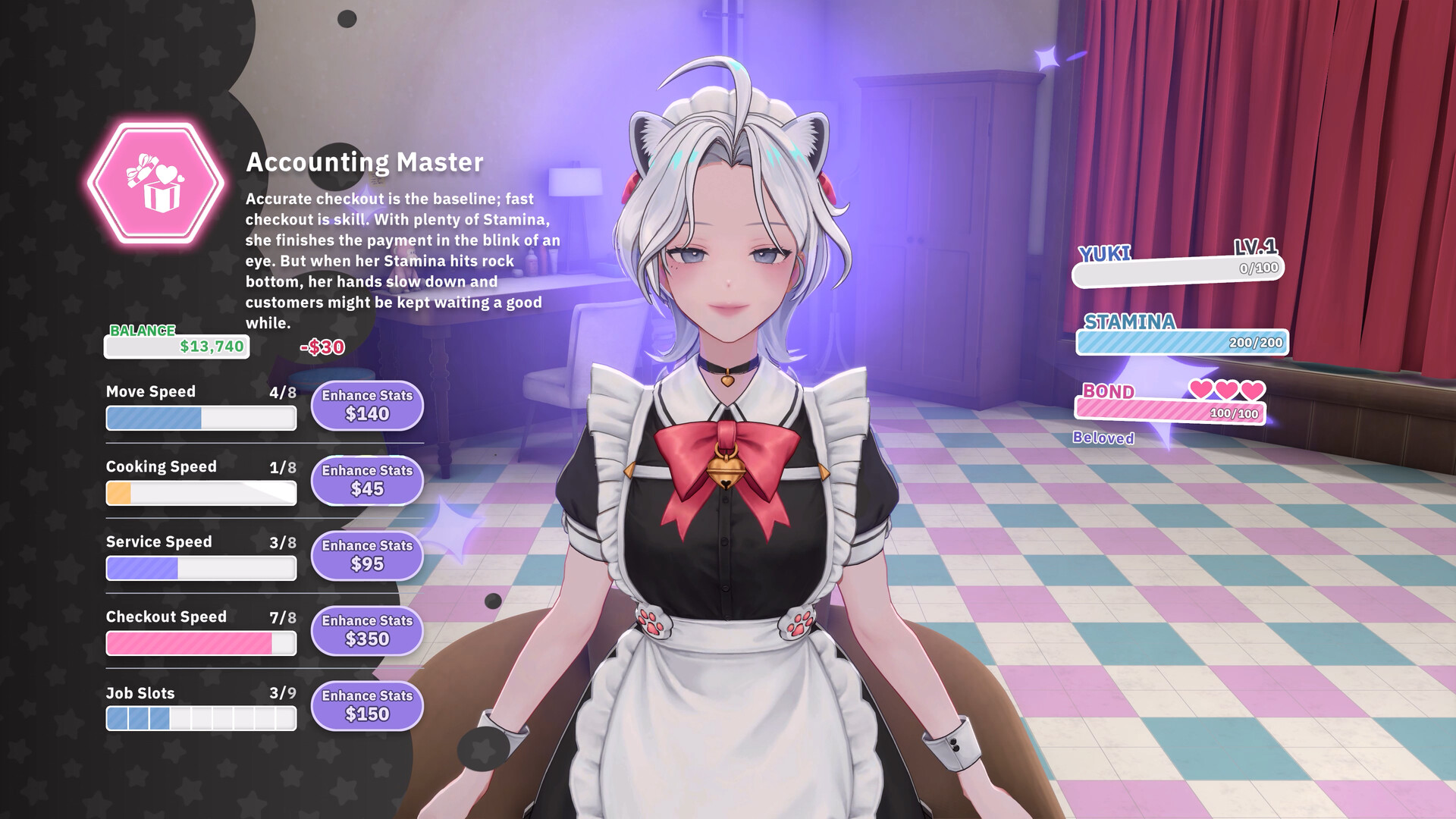
Press R near a maid to inspect her stats and upgrades. Job Slots determines how many duties she can take; Cooking Speed and Checkout Speed relate to different jobs. Upgrade the stat for the job you have assigned. If the maid is idle, first confirm she is on duty, has that job checked, and can use the station. A Cooking Speed upgrade cannot supply a missing ingredient.
How to let a maid run a cooking station
To have a maid prepare drinks, stock the station, select its recipe, and register a quantity. Give her Cook on Today’s Duty Roster. She can then come over and make the registered batch, saving you the manual Shake or grind interaction.
Start with a finite quantity while you learn which drinks customers are ordering. The infinity option keeps making the registered recipe while ingredients remain. Leaving it running on a drink you do not need can consume stock you wanted for another order. Change the registered recipe when you need a different product, and check its ingredients again.
If the station displays Please clear the output, take the completed drinks off its pink pads. A full set of finished cups prevents another batch from coming out even when the maid and ingredients are ready. Serve the drinks that match current orders, then return to the station. Buying more ingredients does not clear occupied output pads.
If a maid stops cooking, check whether she is on duty and has Cook assigned. Then inspect the registered recipe, ingredient tray, and pink pads. A maid assigned several duties may be doing her priority job first. You can take over preparation while rearranging the roster, and clear finished cups to make room for the next batch.
Expand the menu without stranding orders
As the cafe grows, new recipes and equipment become available. Inspect the recipe card before spending: it tells you which ingredients and preparation furniture the new drink needs. If a shop item is locked behind a cafe level, continue serving and completing the active story or maid wish rather than trying to buy around the lock.
For a Blender recipe, buy the Blender and its listed ingredients, place it, and load its tray. Its manual preparation uses Hold to grind, unlike the Shaker’s Shake interaction. Follow the prompt on the equipment you are using. A ready drink appears on the station’s pink pads, where you can collect it for serving.

Keep spare ingredient packages on the kitchen shelves so you can reach them during service. They still have to be moved into the appropriate station tray. When a recipe calls for several ingredients, check each one; a visible supply of milk does not replace a missing fruit package. Read the recipe card instead of trying combinations to make a stalled batch work.
During service, use the order bubble to choose the finished drink for each table. Accept the order, prepare or collect the requested product, and place it for that customer. Afterward, deal with the receipt at the register and clear used items from the table. Dividing Order, Serve, Cashier, and Clean on the duty board lets you hand over parts of this sequence as Job Slots allow.
Buy furniture through Costgo and place it during a quiet period when you can inspect the preview. If the placement preview is red, move or rotate the furniture until the game accepts the position. Check that you can still get to the preparation trays and collect the pink-pad drinks before adding more kitchen equipment. A new station is only useful if you can stock and use it.
Bills, maid wishes, and interrupted shifts
Open the phone’s Utility Bills app when the Pay Utility Bills tutorial appears. Bills include a management fee and electricity for active Maidroids, with a seven-business-day billing cycle. You can pay early. If you cannot cover the due amount, unpaid debt carries into the next cycle with interest; running out of cash does not close the cafe. Keep money for ingredients as well as bills before buying more furniture.
Read the active wish beside each maid’s portrait. Omu’s early requests include making drinks, so use the named recipe and complete the displayed quantity. Check that the wish counter advances before making another batch. An order for a different drink does not satisfy a request just because it uses the same preparation station.
Talk to the maids around opening and closing, when the life scenes give them time away from the service jobs. Petting them can build Bond, and their wishes and story prompts give you specific activities to follow. If a wish asks you to buy a Maidroid, look in Costgo’s Maidroid tab. After delivery, put the Maidroid on duty and assign its jobs on the whiteboard. Active Maidroids also add an electricity bill, so check that cost on the phone.
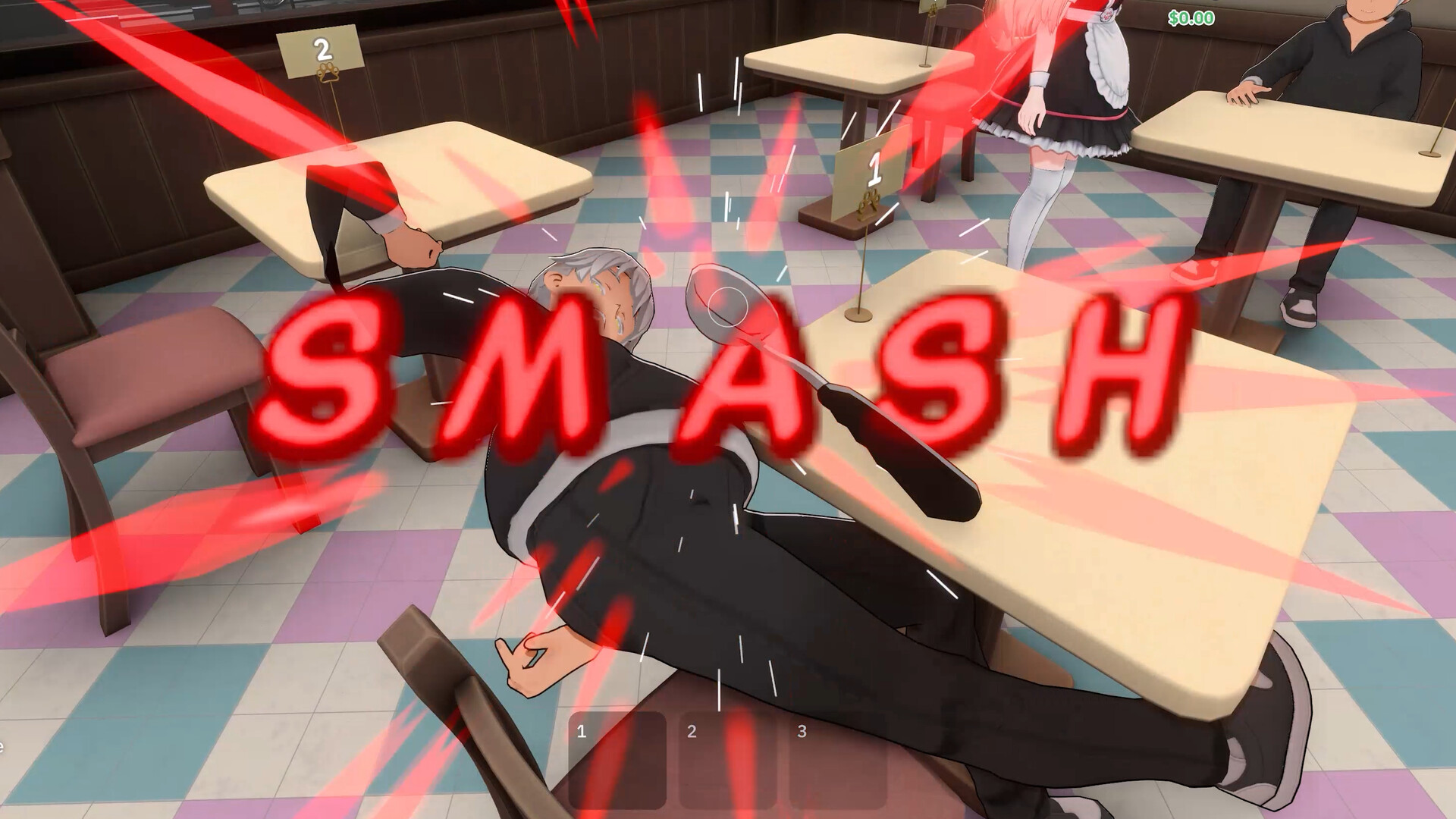
Troublemakers have a different marker from ordinary customers. Use the ladle to knock the offender out, carry them outside, and dispose of them in the outdoor dumpster in the demo. Do not keep hitting regular patrons because a drink or checkout is late. Once the offender is removed, return to the tables and unfinished service jobs.
Reaching Cafe Level 10 and continuing your save
Keep working through the story prompts, maid wishes, and cafe service as the level gauge advances. Add the ingredients and equipment needed by each new recipe, then adjust the roster when a new task is taking too much of your time. The demo caps the cafe at Level 10, maid growth at Level 3, and Bond at its first stage. Once you hit a cap, another shift cannot unlock the demo’s unavailable later content.
The demo covers the first four story chapters with Omu and Mina. When the demo-end notice appears, you can move to the full game and select the save slot marked [Demo]. That carries your compatible demo progress forward. If an old save from before the 1.16.22 overhaul appears as an empty slot, it is incompatible and you need to start a new game.
Load that [Demo] slot in the full game and follow the next story prompt. The story continues into later staff, Maidchelin inspections, festivals, and stages, with Yuki, Jennie, and Momo joining as you progress.