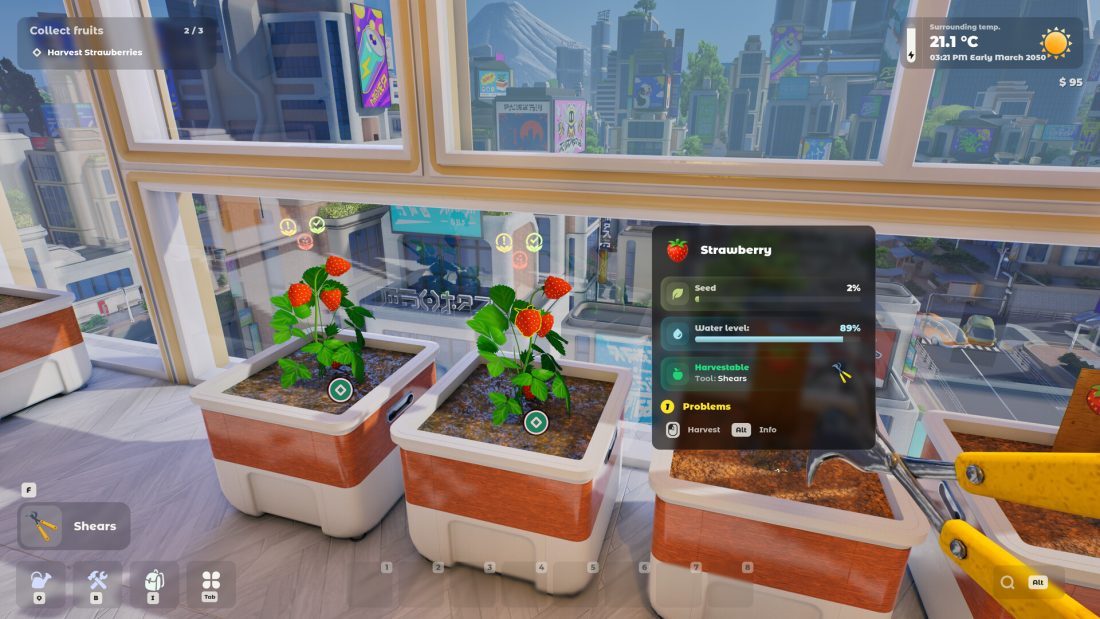
If you played the Tiny Eden demo, begin again from New Game. The launch announcement warns that demo saves can crash the full release, and Update #1 no longer shows saves made before version 0.10.0 in the Load Game menu. A clean opening then runs from the balcony cleanup to the first strawberry harvest, your first neighbour request, the kitchen, and Build Mode.
This guide follows the Windows release available on September 8, 2026, after Update #1. The opening quests tell you which object to use next, so keep their green marker visible and let the current prompt override an older demo video or binding list.
Start a new save and keep the quest marker on screen
Do not troubleshoot a missing demo save. That disappearance is deliberate in Update #1 for saves older than 0.10.0, while the launch post says demo saves should not be carried into the full game at all. Choose New Game, complete the introduction, and stay with the first apartment objectives until the game sends you elsewhere.
If the next destination is unclear, press Left Alt to bring the task information back into view and look for the green diamond. That marker is more useful than trying every door in the building. The early route moves between the apartment, lobby, roof, and Atrium, and it is easy to mistake an optional room for the active destination.
The first stretch has five handoffs:
- Read the opening note and restore the balcony.
- Free the drone, water the existing plants, and collect the shears.
- Harvest strawberries and plant the next strawberry seeds.
- Meet the first customer, unlock the Vitamin Salad recipe, and grow Pak Choy.
- Cook or fulfil the requested order, then use Build Mode to add the next useful planter.
Finish those handoffs before filling every empty planter you see. Each new pot gives you another plant to look after, and the opening is where you learn to find its water, soil, light, temperature, and harvest information.
Restore the balcony before shopping for tools
Read the note, then clear the pile of rubbish on the balcony. Put the fallen planters upright instead of treating them as decoration. The quest checks specific cleanup actions, so watch the task text as you handle the rubbish and dirt. A balcony that looks tidier may still contain the item the game wants removed.
Open the cabinet and release the drone when the objective points there. Freeing it completes this tutorial step; it does not automate the rest of the apartment. Talk to the drone again after the dirt is gone and follow the new prompt.
Water the plants only to the band shown on the gauge. The launch gallery shows the plant panel beside the planters, and the opening walkthrough describes a narrow target rather than an instruction to empty the whole watering can. Refill the can at the apartment sink when needed. If the objective does not advance, look at each restored planter and check whether one plant still sits below the requested range.
The store prompt comes next. Buy the shears, then collect the delivery from the parcel box in the lobby. Returning to the balcony without opening the parcel leaves you with a ripe crop and no usable harvest tool. Equip the shears from the toolbelt before aiming at the fruit.
Harvest the strawberries, then replant the marked containers
Cut the ripe strawberries until the harvest objective completes. Do not keep clipping a plant after the task counter has moved on; the tool panel tells you when a crop is ready, and the next objective is the safer guide to what the tutorial expects from the remaining fruit.
Take the strawberry seeds from the cabinet and use the containers prepared for them. The opening route has you learn the same plant twice: first as a ready-made harvest, then as a crop you start yourself. This is where the plant panel becomes more important than the scenery around the pot.
Check these four things before walking away:
- Container: the plant needs enough room for its roots. A pot can fit on a shelf and still be too small for the crop.
- Growing mix: follow the amounts displayed by the plant card. Early recipes can use compost and sand, but there is no single mix for every seed.
- Placement: light changes with the position of the pot. A windowsill, darker corner, balcony, and later room do not give identical conditions.
- Water: stop inside the preferred band shown by the current plant information instead of using one percentage for the entire garden.
Left Alt also opens the information view shown in the official strawberry screenshot. Use it when an icon appears over a plant or when growth seems to have stopped. The panel can tell you that the next job is watering, harvesting, or correcting a condition; buying another seed does not solve a problem in the pot you already have.
Follow the plant card when soil starts getting complicated
Tiny Eden treats soil as a mixture, not a single bag. The developers list compost, sand, clay, perlite, coco coir, peat, and a seventh secret component. The first recipes are much simpler. One official example asks for six parts compost and four parts sand, and the game prints the required amount beside what you have already added.
Fill to those displayed amounts and stop. Compost contributes to a richer mixture, sand changes drainage, and clay holds water and minerals. Adding extra material because the pot still has visible space can change the result you just matched. When the card asks for a different mix, prepare that mix for the new plant rather than copying the strawberry pot.
Nutrients arrive as another layer. N, P, and K stand for nitrogen, phosphorus, and potassium, and plants use them at different rates. The game can notify you when one is running low. Add the nutrient that is requested; the developer’s plant-care post specifically warns that too much can kill a plant.
The same rule applies to placement and pot size: read what this plant needs now. The official material says roots can be deep, shallow, or spreading, and an undersized container hinders growth. It also gives one useful companion example for later layouts: tomato and basil work well together because their roots occupy different depths and basil helps deter pests. Cabbage competes with tomato for nutrients, so placing those two together works against both crops.
You do not need to optimize all seven soil components during the strawberry tutorial. Learn where the game shows the recipe, water range, and warning icons. Those three readings will carry into every later plant without depending on an old chart.
Take the roof trip when the mail opens it
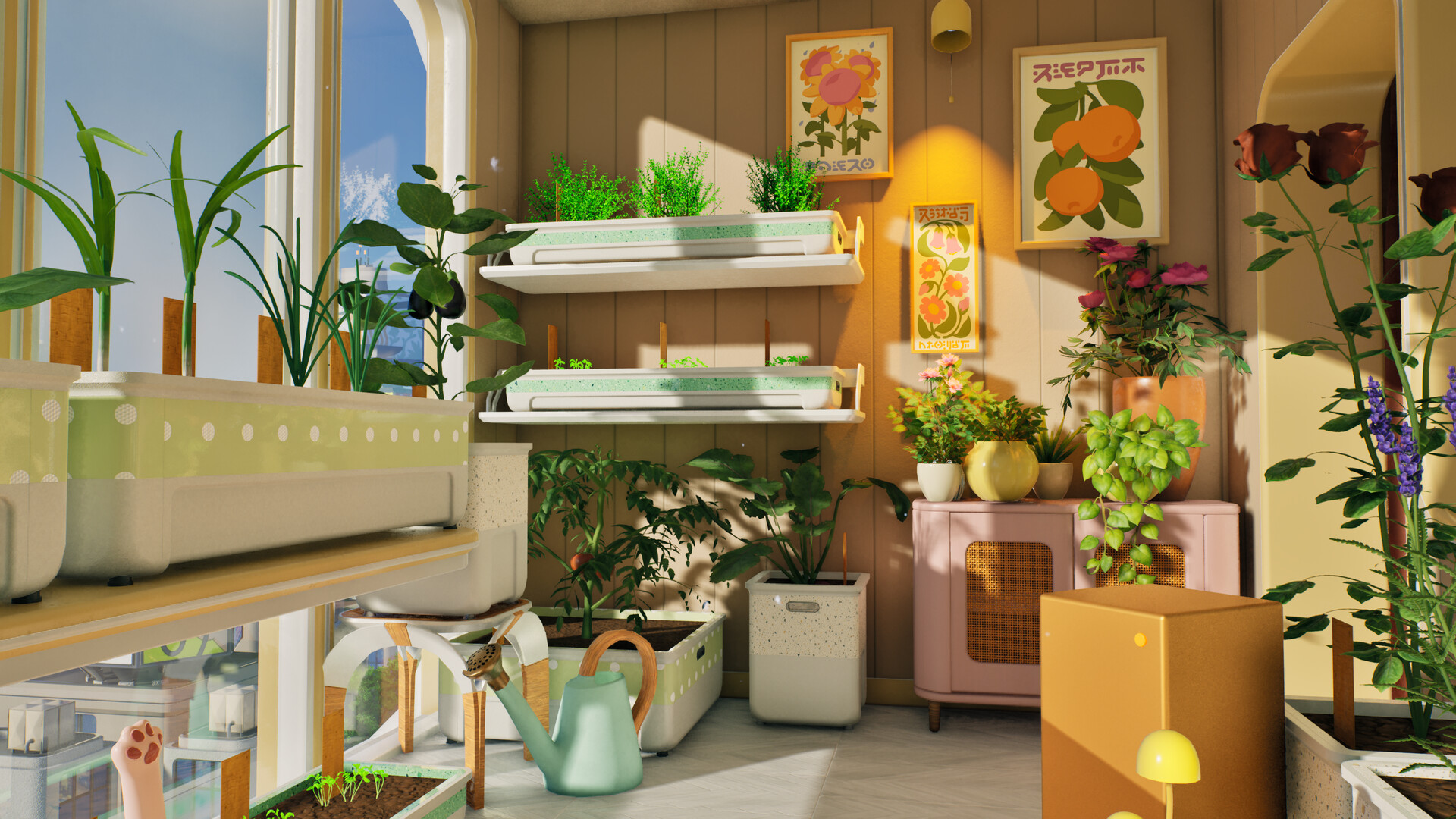
Check your mail when the quest calls attention to it, then go to the roof and follow the cat objective. Adopt the cat and buy the requested bed. This roof trip is part of the opening quest, so finish it now instead of waiting beside the strawberries for a gardening task to advance.
Return to the balcony on the next in-game day and inspect the strawberries again. Weeds can appear during growth. Buy the fork when the quest asks for it, remove the weeds, and collect the biomass left behind. Keep the tool name tied to the prompt: a fork used for one care job does not mean every dead or unwanted plant is removed by swinging it at the leaves.
If a withered plant refuses to move, interact with the pot and look for the removal option on the container menu. Current community guidance points to a far-left removal choice, followed by another pass when you want to empty the soil. Menu placement can change, so read the icon and confirmation in your build before clearing a planter that still contains a useful crop.
Meet the Atrium customer before growing a larger crop list
The first customer waits in the Atrium outside the DIY Club. Speak to them before spending money on a decorative layout. This conversation supplies compost and new seeds and opens the route toward your first named recipe, Vitamin Salad.
Vitamin Salad uses strawberries and Pak Choy in the launch-day walkthrough. The strawberries come from the crop you have already learned; Pak Choy is the new half of the lesson. That makes the next planting decision straightforward: keep enough strawberries for the recipe and use the new compost and sand to prepare the Pak Choy container according to its displayed ratio.
Open the orders screen and choose a request you can fulfil with plants already growing or ready to plant. An order that needs several unfamiliar crops may sit open while your first reliable ingredients are tied up in pots. The game uses completed food sales to move both money and reputation, so the useful order is the one your current balcony can finish.
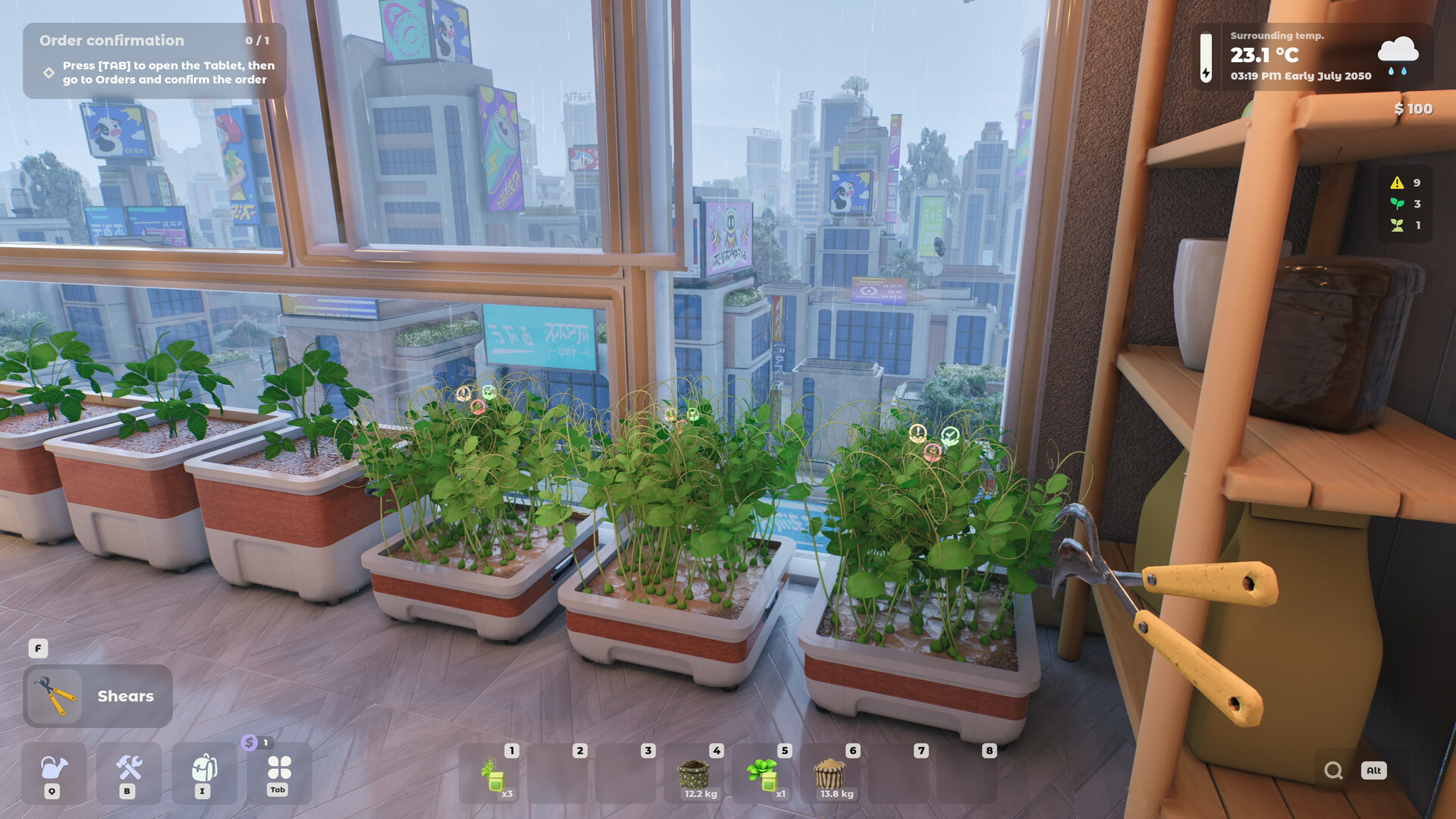
Update #1 fixed problems with selling items at the café and removed incorrect or unintended café orders. If a dish will not sell, an order looks unrelated to your progress, or the café interaction behaves strangely, install the current update and reopen the relevant screen before abandoning the crop plan. Do not rebuild your garden around a launch-day interface bug.
Cook for the order rather than trying to sell every crop
The developer FAQ sets an important rule for version 1.0: you sell cooked dishes, not raw crops or seedlings. Harvested produce is therefore kitchen stock first. Before using the last strawberry or Pak Choy, check the active recipe and order.
Reputation unlocks recipes, and some recipes have fixed ingredients while others allow choices that change the finished dish. There is no plan for a completely free-form custom recipe creator. Work inside the slots shown by the current recipe, cook the dish the neighbour requested, and deliver or sell it through the destination named by the quest.
A simple stock rule keeps the opening from stalling:
- Reserve the ingredients required by the active dish.
- Keep a seed or planting route for anything you will need again soon.
- Use finished dishes for money and reputation.
- Spend the first earnings on the pot, soil, seed, or tool that removes the next visible bottleneck.
Later, each harvest can also become a choice between immediate profit and research. Research rolls new plant varieties rather than following a guaranteed breeding recipe. Leave that experiment until one dependable dish can pay for replacement soil and containers; spending the only useful harvest on a chance at a novelty variety can delay the order that opens more options.
Use Build Mode to solve a space problem
Build Mode arrives through the early task chain. Once it opens, select a blueprint you own, place it where the apartment has room, and strike the blueprint with the hammer until construction finishes. Add the planter the current crop needs before turning the room into a furniture showroom.
A useful first addition has a job. It might give Pak Choy the right light, keep strawberries near the sink, or leave enough floor area for a larger container later. Do not block the path between the balcony, kitchen, and door. You will travel that route for water, cooking, parcel pickups, and deliveries long after the tutorial ends.
New rooms and balconies are more than extra floor tiles. The developer FAQ says indoor spaces, balconies, and the rooftop have different temperatures, while plant placement controls light. Grow lights and shading nets adjust light; heaters and air conditioners adjust temperature. Buy one of those when the plant panel shows a real environmental problem, not simply because it appears in the shop.
Before adding several more planters, make sure you can answer four questions about the current ones:
- Which plant or recipe is each container supporting?
- Can you reach every pot quickly enough to inspect and water it?
- Does each plant have the container, mix, light, and temperature it asks for?
- Will the next harvest become a dish, an order, research, or a deliberate reserve?
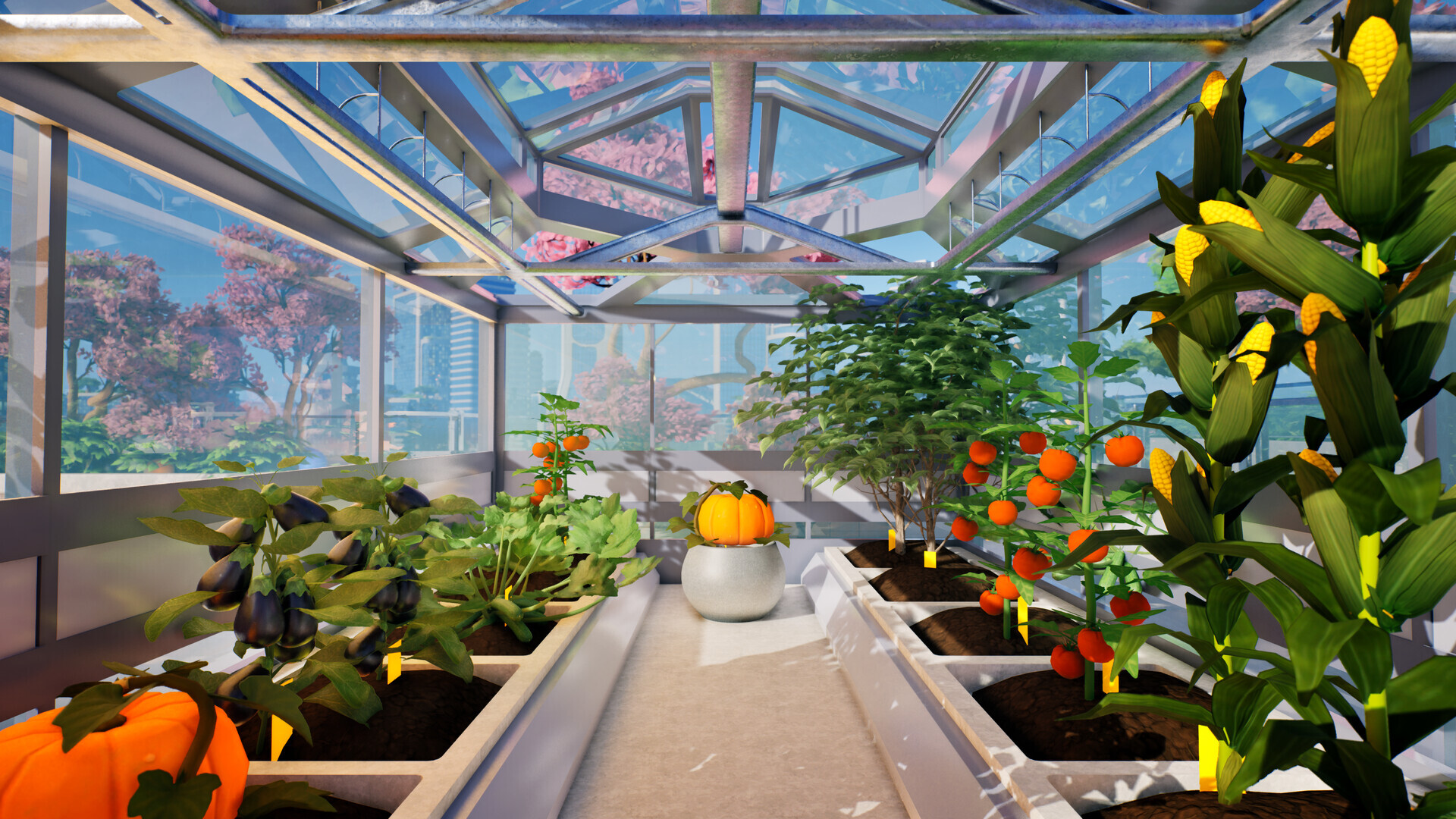
If one answer is missing, rearrange before expanding. The game eventually supports hundreds of plants and reaches a rooftop greenhouse, but the opening apartment is where you learn how to keep that scale alive.
Fix the first broken handoff
| What stopped | What to check |
|---|---|
| An old save is missing or crashes | Start a new full-release game. Demo saves are unsupported, and Update #1 hides saves older than 0.10.0. |
| The next destination is unclear | Press Left Alt, read the current objective, and follow the green diamond rather than searching every floor. |
| You cannot harvest the first strawberries | Collect the shears from the lobby parcel box, equip them, and confirm the plant panel says the fruit is harvestable. |
| A new seed does not grow | Inspect the pot for its required mix, water range, light, temperature, and container size before replanting. |
| The first recipe is blocked | Meet the customer outside the DIY Club, keep strawberries, plant Pak Choy, and check the unlocked Vitamin Salad recipe. |
| The café order or sale looks wrong | Install Update #1, reopen the order or café screen, and confirm the current request. The update specifically fixes both areas. |
| Build Mode has nothing useful to place | Check which blueprints you own and choose the planter or fixture that fixes the current crop’s space or environment. |
Once the balcony is clear, the first two crops are healthy, a cooked dish has moved an order forward, and Build Mode can add a useful container, the opening has done its job. From there, expand around the recipes and plants you actually use. Drones, advanced nutrients, breeding, and the rooftop are much easier to learn when the original garden can already feed the kitchen.
Official links: Tiny Eden on Steam, the developer’s Update #1 notes, and the official Tiny Eden FAQ.